Once your Developer Account has been approved, you will receive an email to finish activating this.
When you have logged in to your Acccount, the next step is to register a new application.

This will prompt you to fill in the required information.
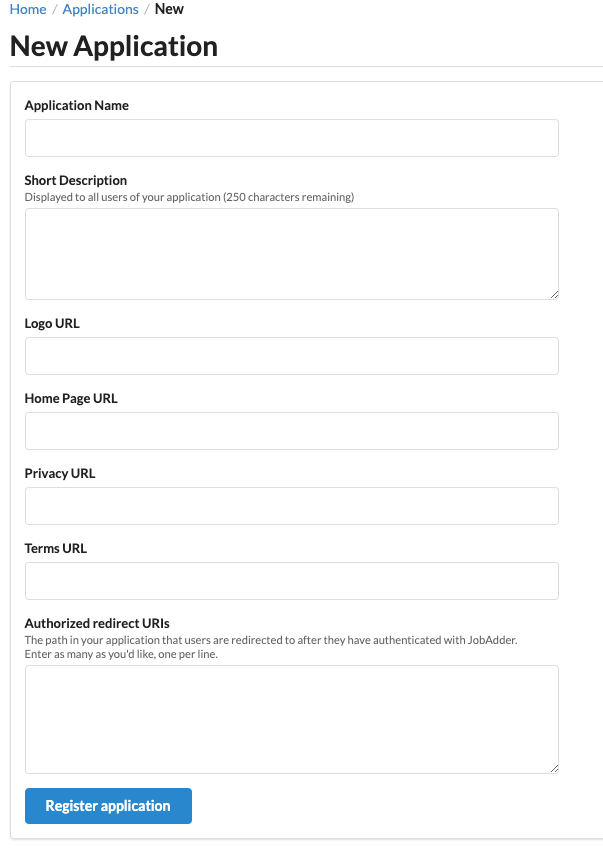
Once this has been done and the Application has been approved, you will be able to access your Client ID and Secret that you will need for any API integration.
NB: You can have as many applications as you need. Each will have it's own Client ID and Secret. This is usually done if you want to have a Test Application, and a Live Application.